Fitness apps


Ship clear exercise demos inside workout flows, exercise details and coaching products—on any UI background.
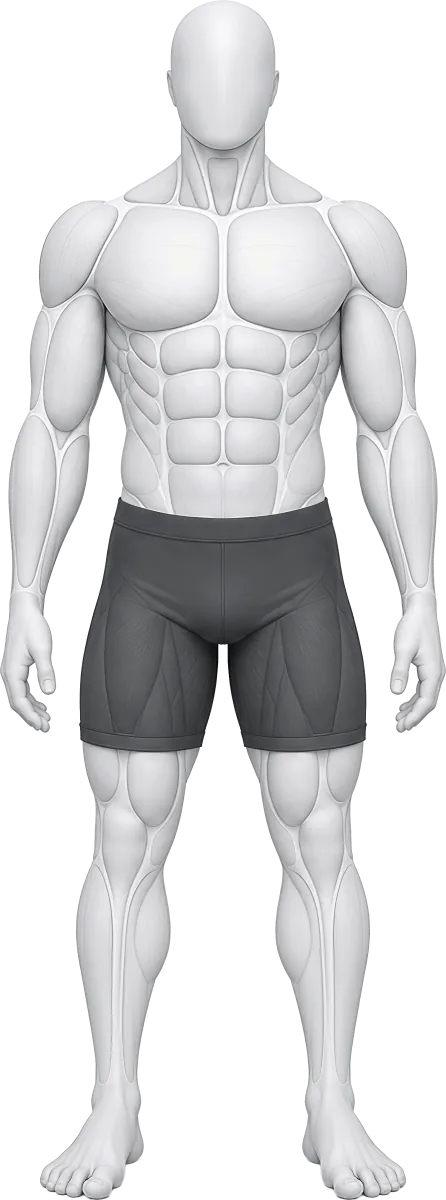





A production-ready library for fitness apps and creators: 608 illustrated exercises, of which 496 are motion clips and 112 are static holds (planks, dead hangs etc.).
Drop the same transparent clip into light mode, dark mode, a brand colour, or any custom theme. Try it below.


Looping transparent WebP — 960px. One per animated exercise, in images/animations/<slug>.webp.
One library, two ways to publish
Use the same consistent exercise animations in a product UI or drop them over your own footage. The transparent master is built for both.
Ship clear exercise demos inside workout flows, exercise details and coaching products—on any UI background.
Layer the clips over Reels, Shorts, YouTube videos, course slides and posts without filming every variation yourself.
Optimized preview shown. The Standard bundle ships the full-resolution WebPs and manifest.
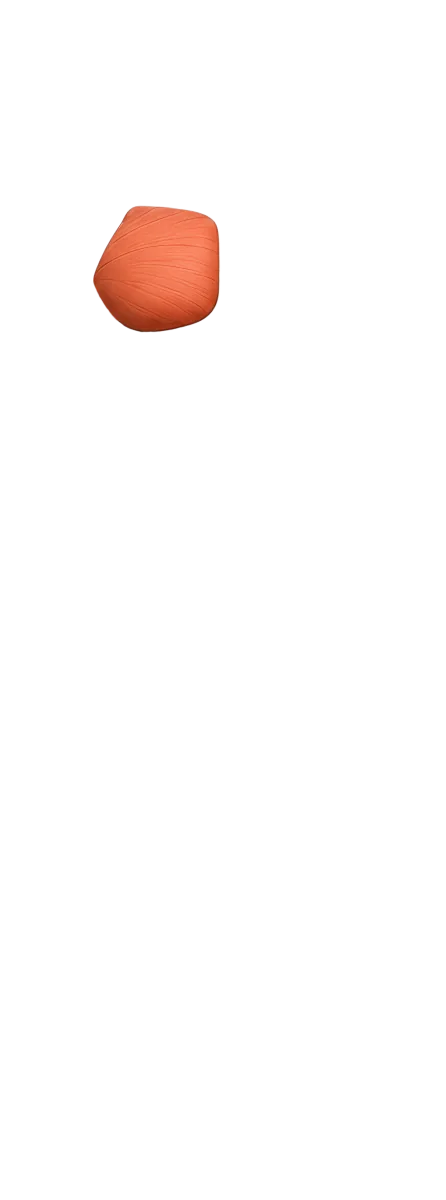
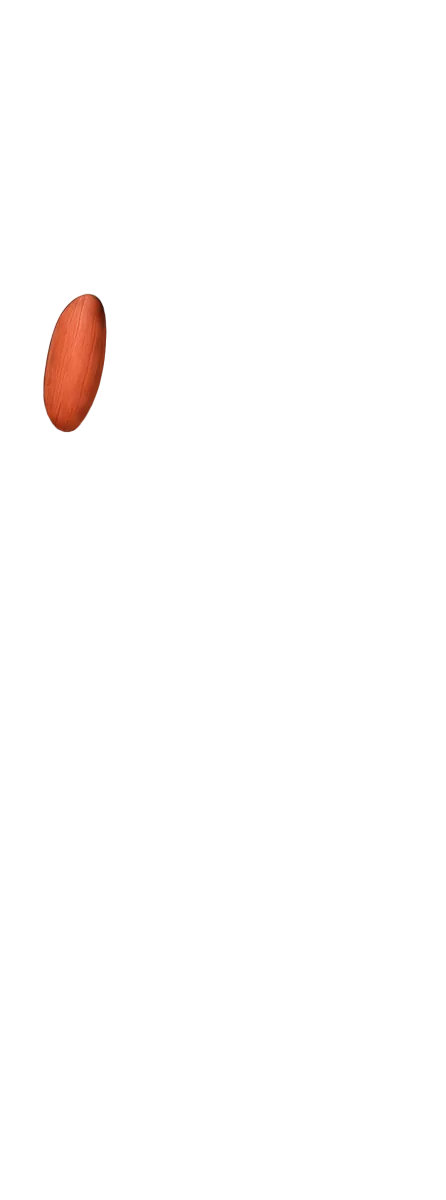
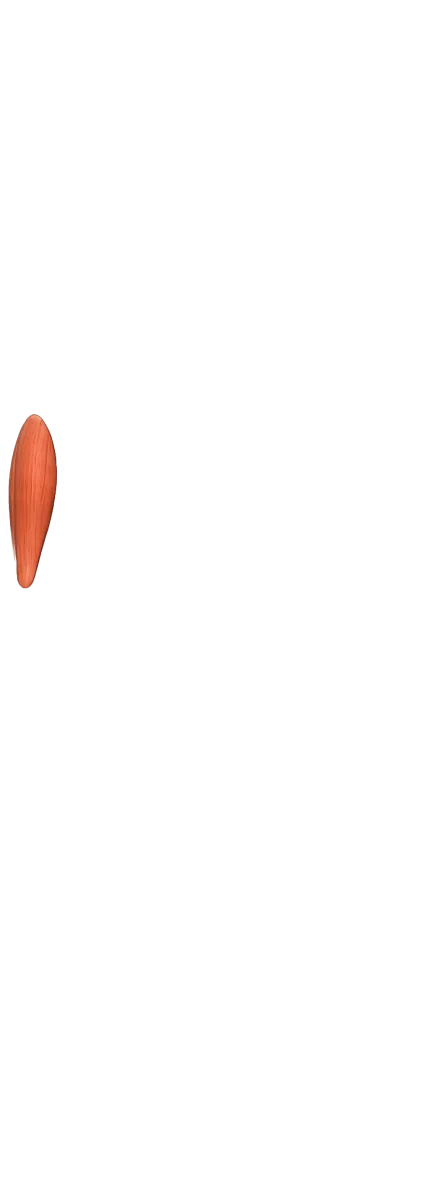
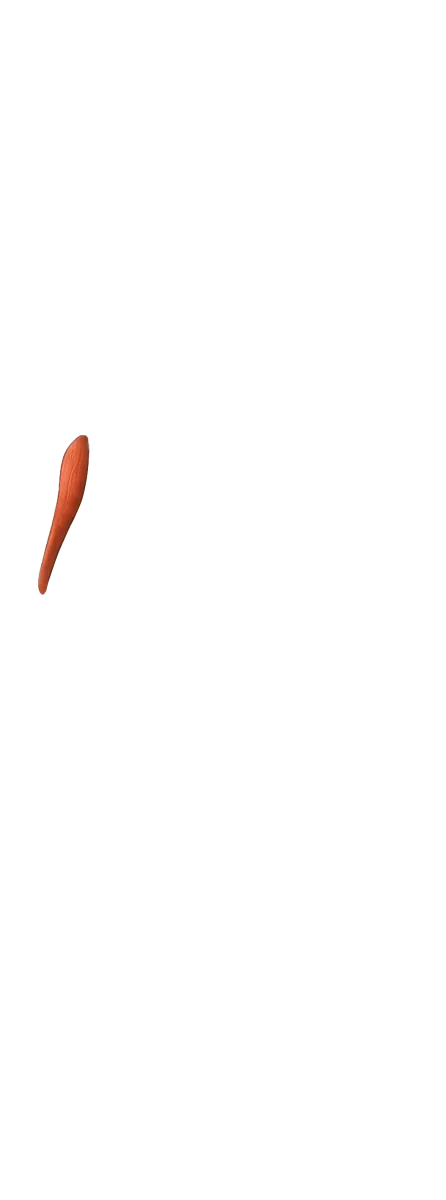
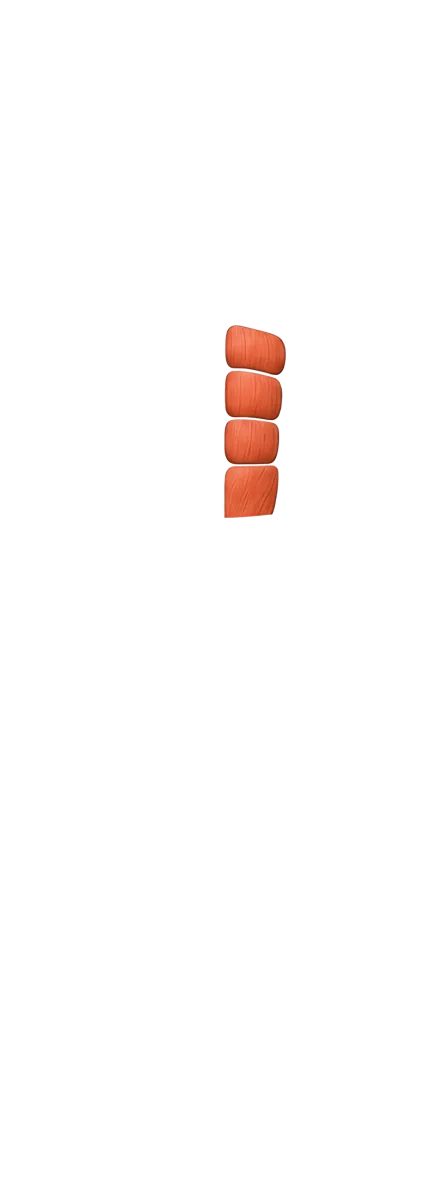
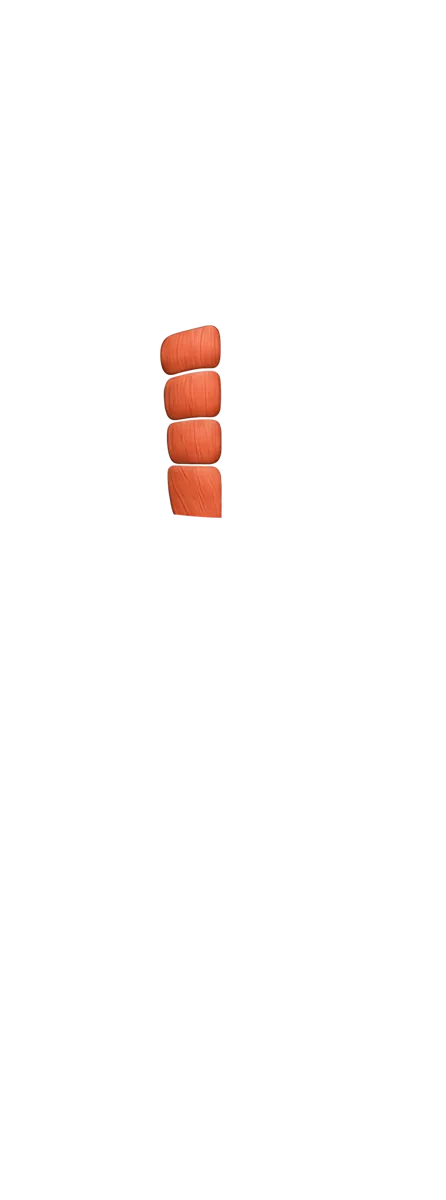
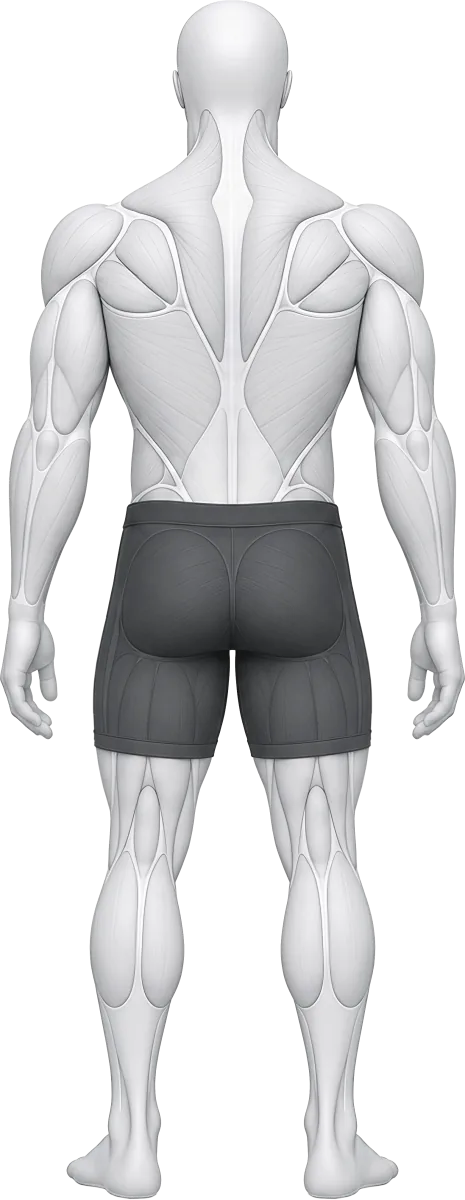
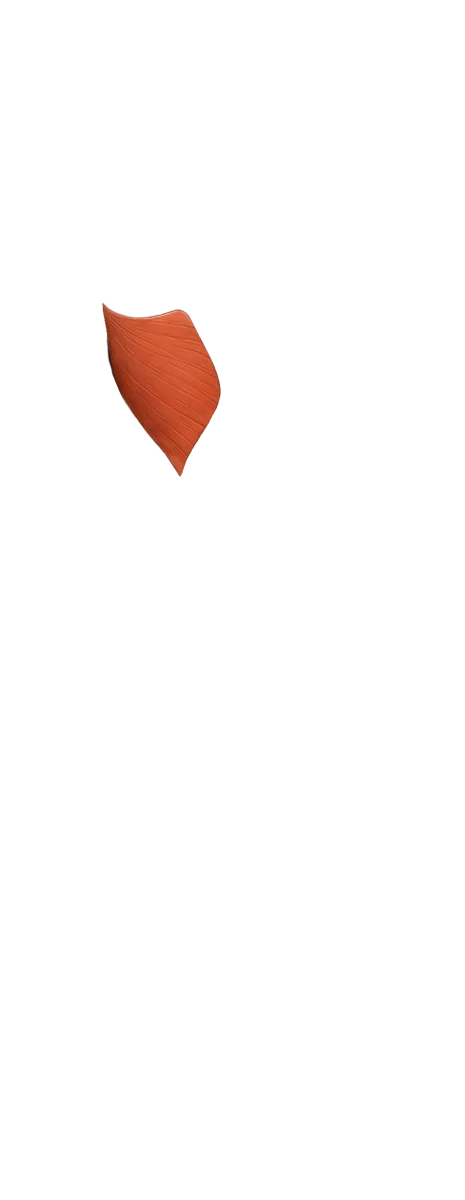
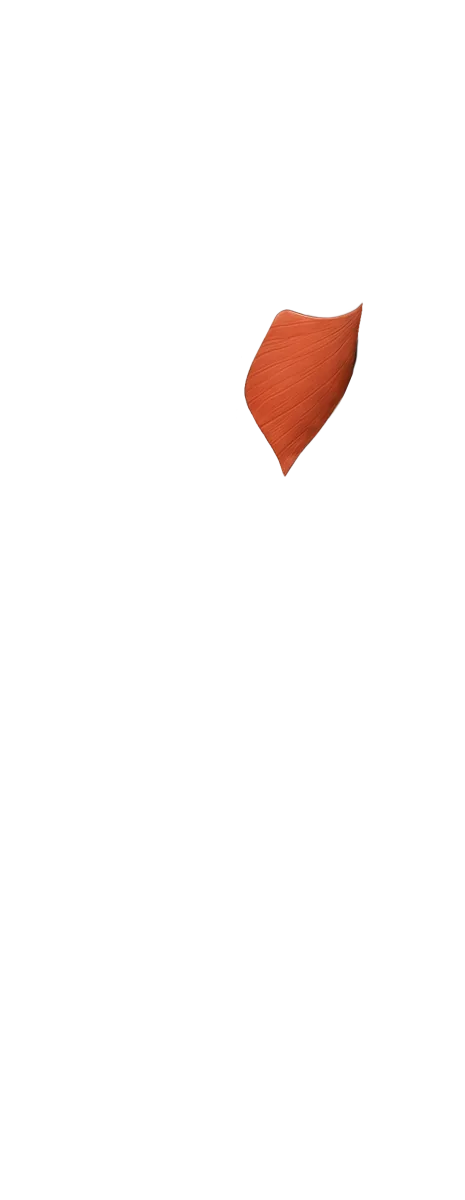
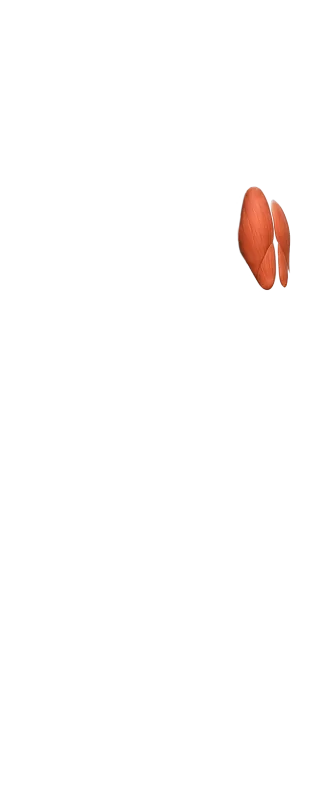
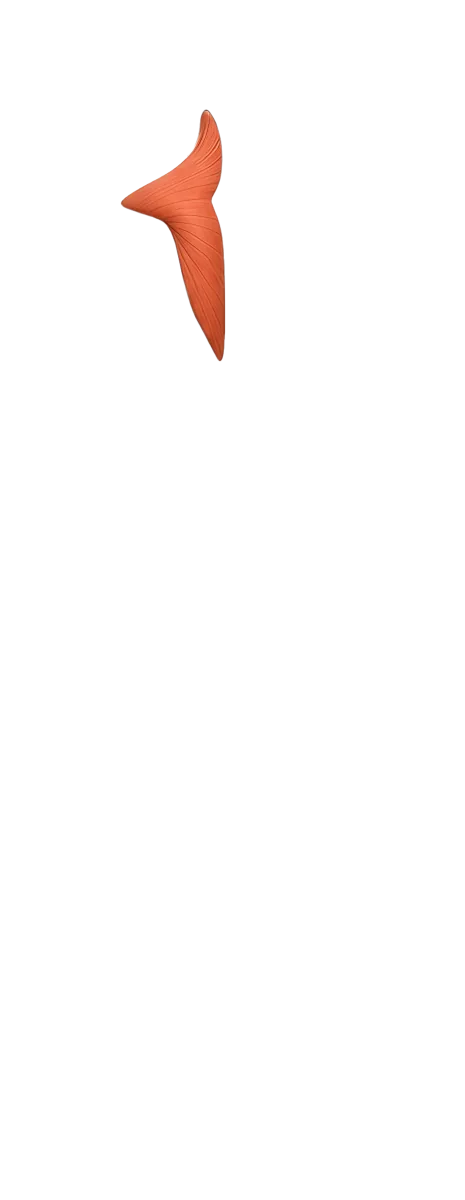
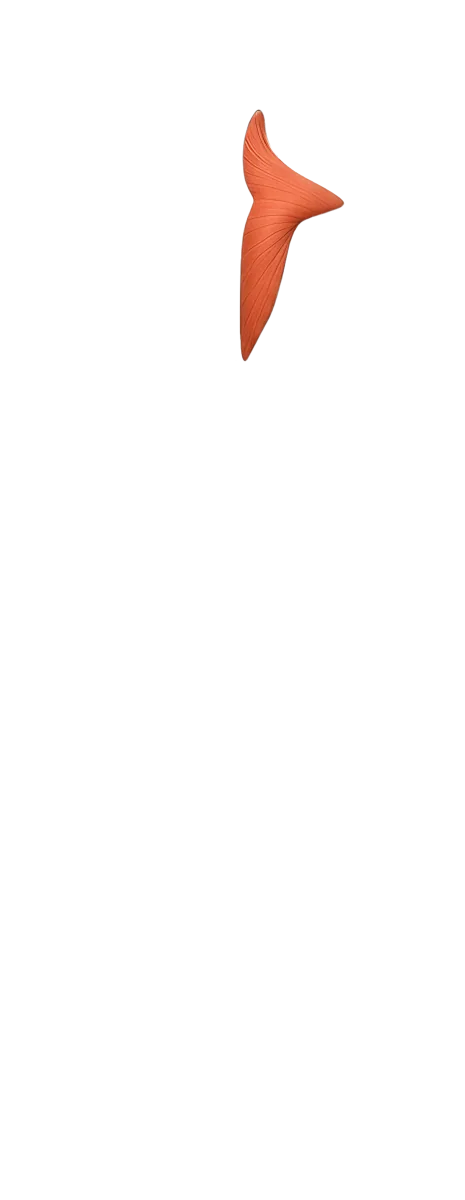
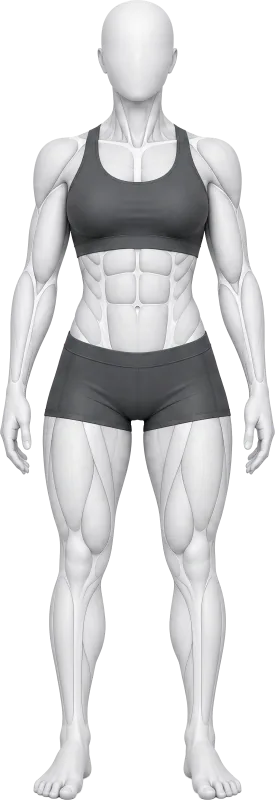
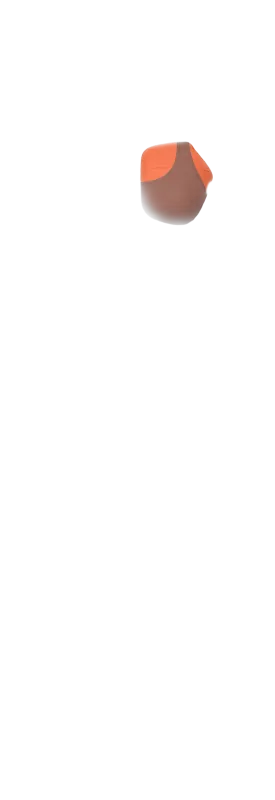
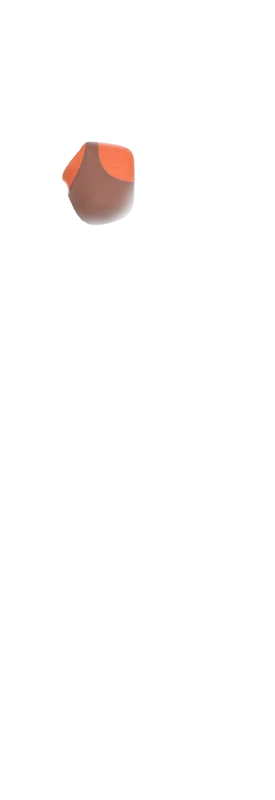
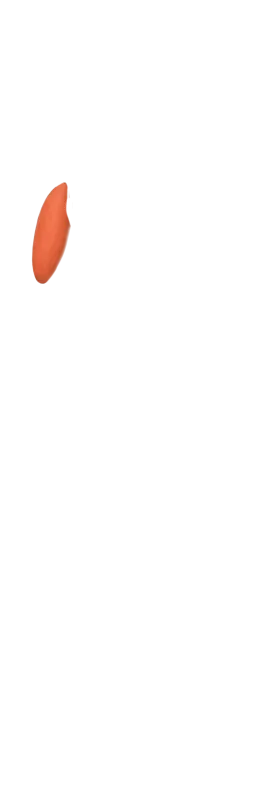
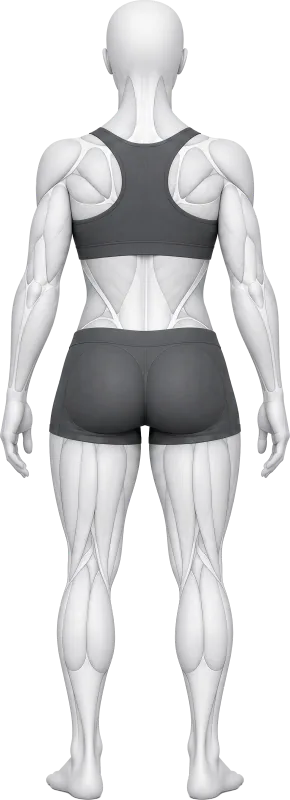
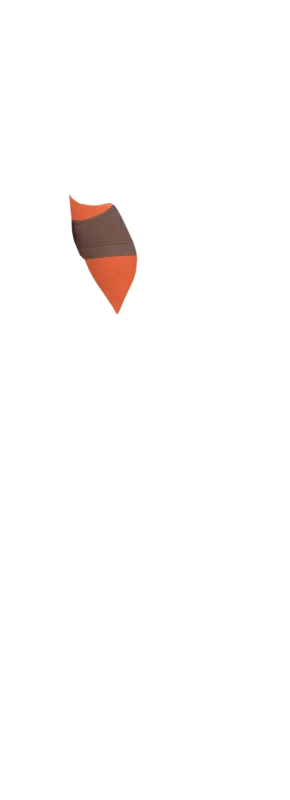
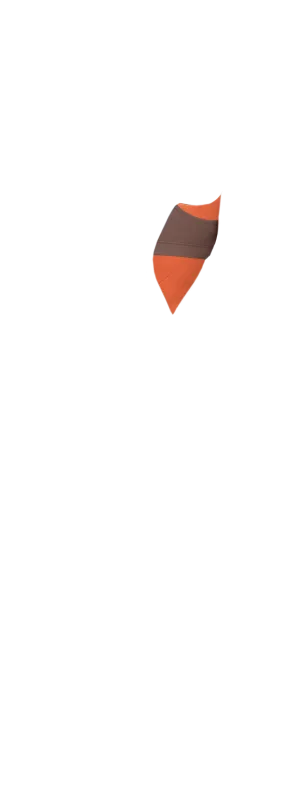
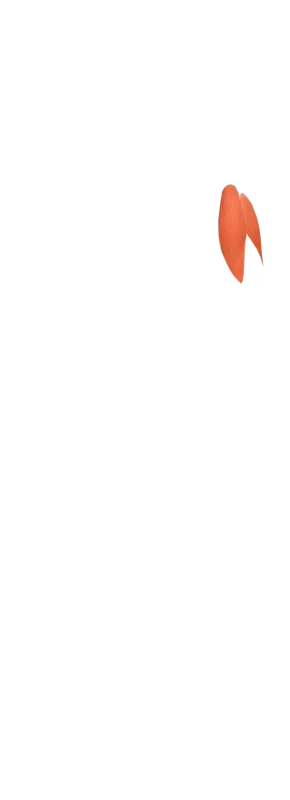
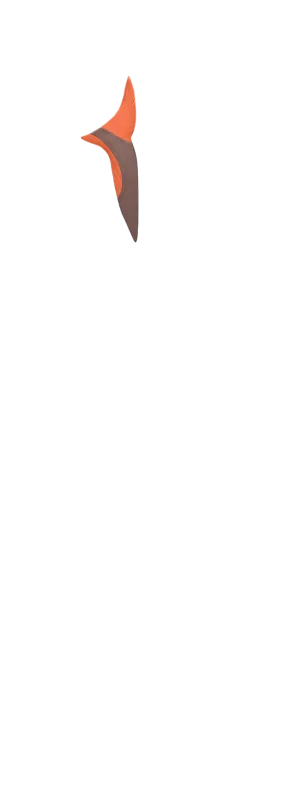
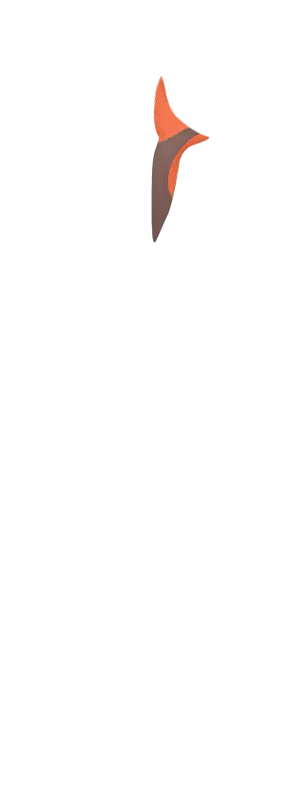
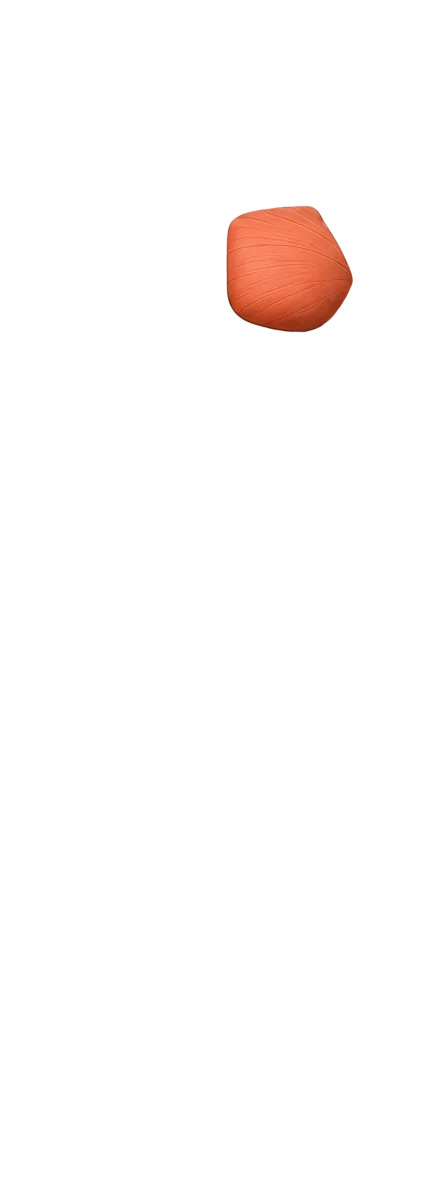
Build recovery maps, training summaries and body diagrams from real, transparent muscle layers. RepDB supplies the artwork; your app controls which side lights up, the colour and the intensity.
A free sample of the paid dataset with the exact production assets — no signup, no watermarks. Browse it offline with the bundled viewer.
Every clip loops on a transparent background, so it sits on your dark theme, your brand colour, or a card — no white rectangle to hide.
Animated WebP keeps a real alpha channel and full colour at a fraction of the file size. GIF gives you neither — it dithers to 256 colours and fringes the edges. You can still export GIF or MP4 from it whenever you need one: the transparent master converts to any background, not the other way round.
One faceless figure, one material, one camera. The clips match each other and match the stills, because they come from the same pipeline.
Looping WebP with a transparent background, 960px square, one file per animated exercise at images/animations/<slug>.webp. Modern browsers render it directly with an <img> tag. In native apps, decoding depends on the image component: our React Native example uses expo-image, while the Flutter example loads WebP from the app bundle. No video player is required.
All 496 exercises that involve movement. The other 112 are isometric holds or static poses — planks, hangs, and static stretches — so they intentionally ship as stills because there is no movement to animate. Each record carries an animation flag so you can branch on it in code instead of guessing.
Keep the transparent WebP as the theme-independent master. Use it directly when backgrounds or themes can change. If your app has one fixed background, composite that background and export an MP4: it is usually much smaller and gives you video controls. Regenerate it from the WebP whenever the UI changes.
See the measured comparison and FFmpeg recipe →Yes — and the transparent master is what makes it easy: you pick the background at conversion time instead of being stuck with one that was baked in. Note that FFmpeg cannot read these clips directly (it fails with "image data not found" on frames stored as blended sub-rectangles), so dump the frames with the libwebp anim_dump tool first, then encode the PNG sequence: overlay it on a colour source for MP4, or run it through palettegen/paletteuse for GIF. It is a build step you can run over the whole library, and the transparent WebP stays the source you regenerate from when the UI changes.
Copy the working FFmpeg recipe →No. They are rendered 2D clips in a matte-clay style — they read as dimensional, but you are getting flat image files, not models or rigs. If you need something you can pose or re-render yourself, this is not that.
Yes. The free preview bundle includes full-quality animations, and the live preview viewer plays them against light, dark, and brand backgrounds. Check them on your own background before paying anything.
Standard ($499). Starter ($299) ships the classic and flat stills without the animations or the transparent backgrounds.
Yes — Standard includes a one-time commercial license with no revenue cap for paid apps. It also includes the Media Use Addendum for videos, Reels, Shorts, courses and posts published under your own brand.
The same animations from the publishing side — dropped over your own footage, exported to MP4, and what the license lets you post.
RepDB, Vital Animations, GymVisual and MoveKit compared on transparent backgrounds, smooth motion and consistent characters.
Dark mode, custom brand palettes and gradients without re-exporting every exercise animation — why the transparent source is a product capability for themeable and white-label apps.
Why the transparent clip is the master you keep: composite any background and export MP4 at ~5% of the bytes, measured on these files, with a working FFmpeg recipe.
Still-first loading, click-to-play, one active clip — and the decode budget behind it: 90–108 ms per second of playback for a 960px clip.
Which asset belongs on which screen, from a 46 KB still to the 3.2 MB clip, with the derivative sizes to generate at build time.
Looping transparent animations plus the full exercise dataset — Standard, $499, one-time.
Add RepDB as a Preferred Source to find more of our exercise data in Google.